---
title: Cancel Flow Structure
description: Learn about the available components that make up a Cancel Flow, from initial offers to cancellation confirmation, and how each step contributes to the overall flow.
---
A Cancel Flow is the sequence of steps that customers go through when they attempt to cancel their subscription. Each step serves a specific purpose, from gathering feedback to presenting retention options. This document explains what you can include in your Cancel Flow and how each component works.
## Flow Structure
Every Cancel Flow can be composed of the following 5 steps:
1. Initial Offer
2. Cancellation Survey
3. Freeform Feedback
4. Final Offer
5. Cancellation Confirmation
::callout
All steps are optional individually, but to have a functioning Cancel Flow, it's **mandatory to have at least one step**.
::
### Initial Offer
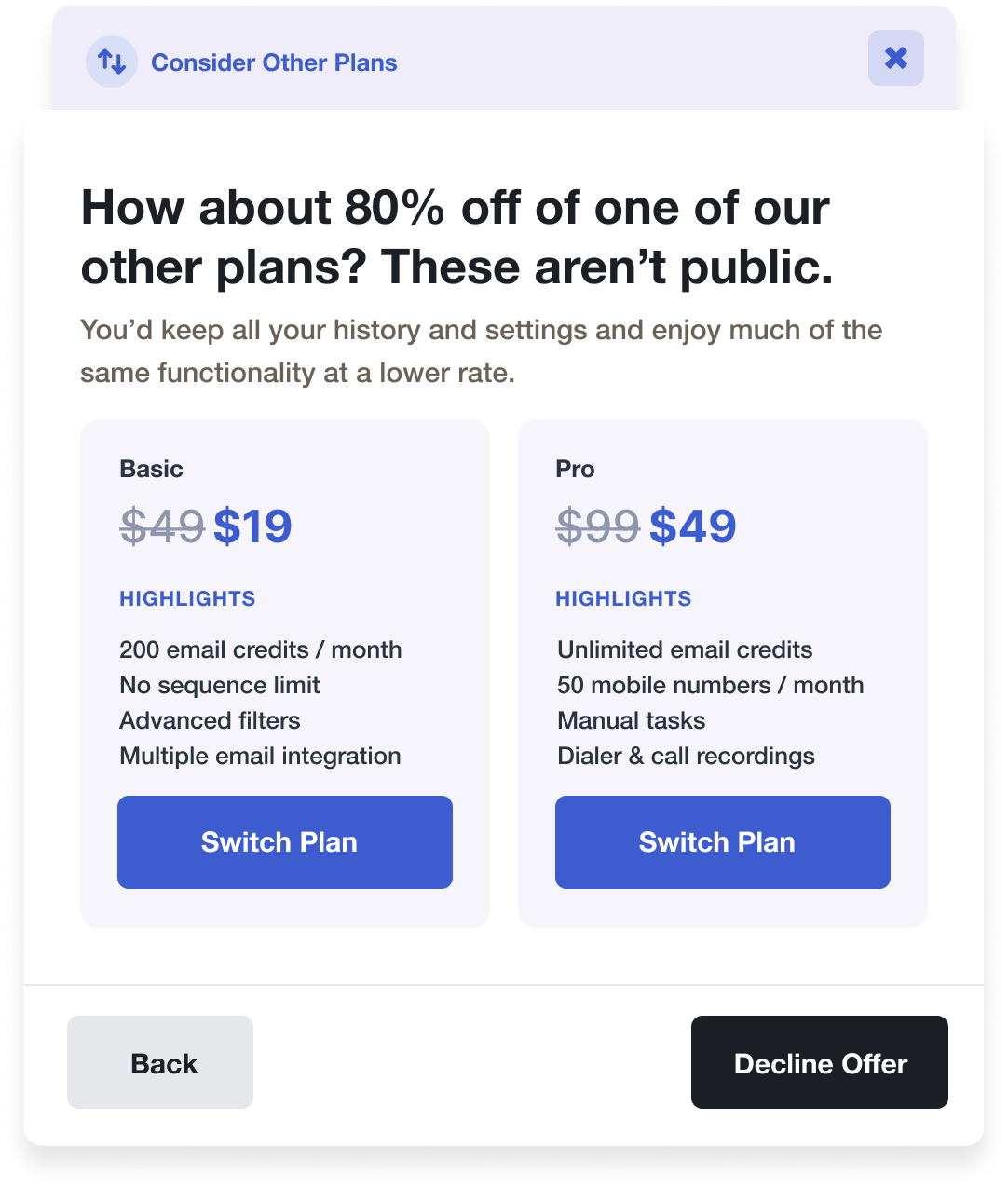
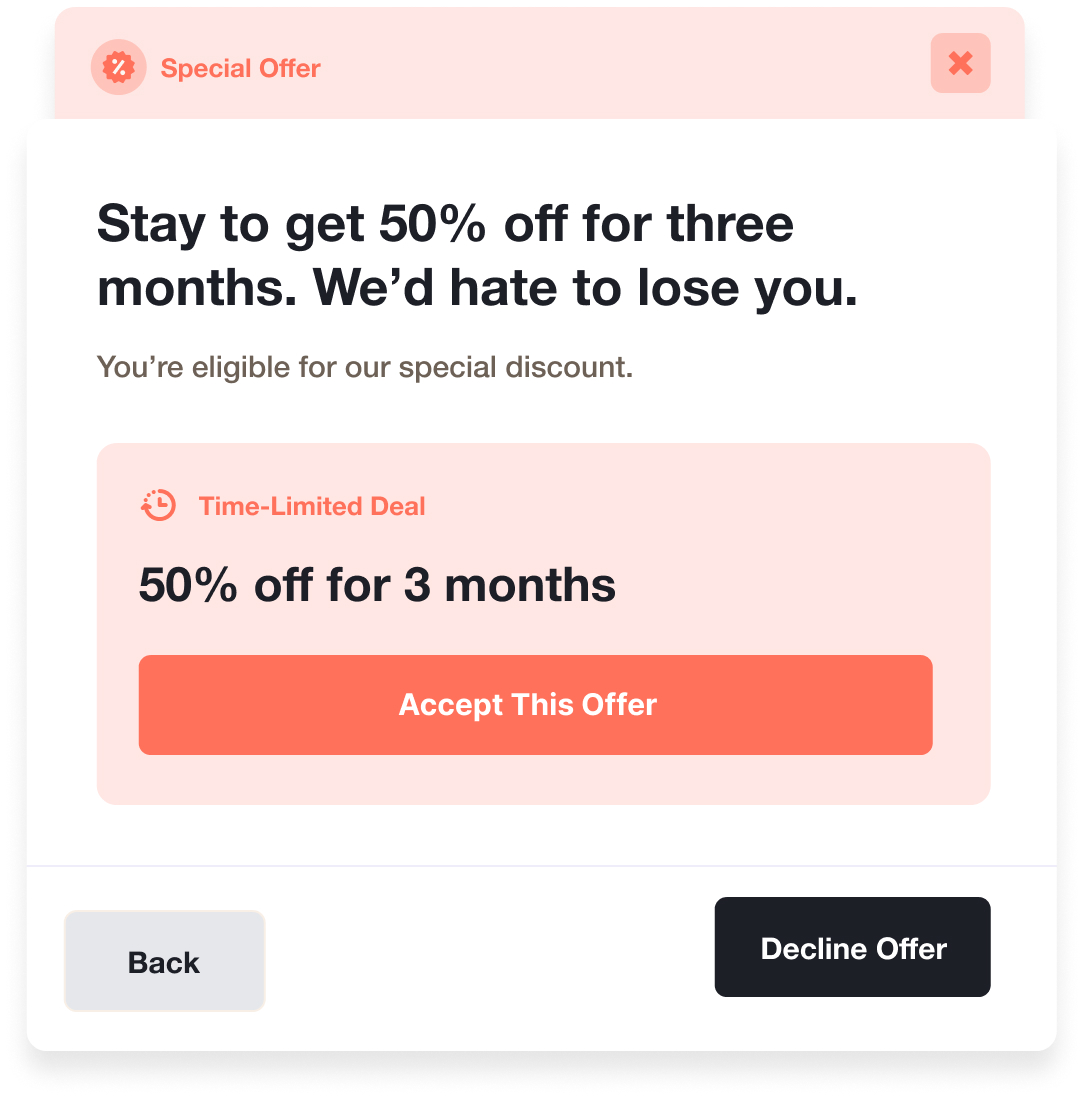
The Initial Offer is the customer's first contact with your Cancel Flow. This step focuses on interrupting the customer's intent to cancel by presenting alternative arrangements. It captures their attention and improves the performance of subsequent steps in gathering valuable feedback.
You can add a variety of offers within it:
- Apply a Coupon
- Pause Subscription
- Trial Extension
- Switch Subscription Plan
- Contact Us [(Requires Further integration)](/cancel-flows/further-configuration#example-support-request-callback-connect-with-intercom-crisp-etc)
- Send to a Custom Page
Initial Offer interface with multiple retention options available
### Cancellation Survey
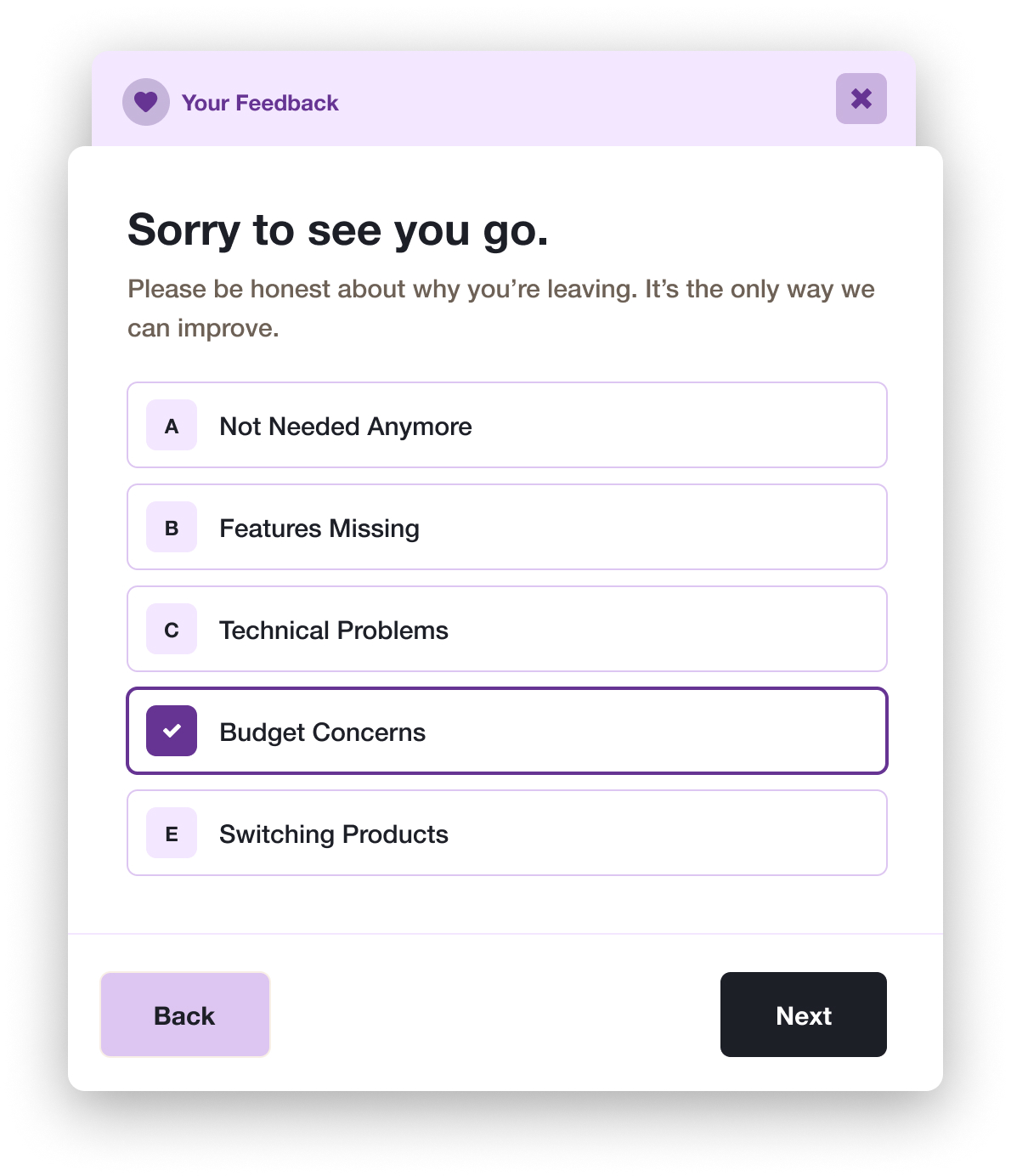
The Cancellation Survey is a powerful Cancel Flow step that helps you understand why customers are leaving while giving you the opportunity to make targeted offers based on their specific reasons. It presents customers with a multiple-choice question where they can select a single answer, and each answer can be paired with a specific offer tailored to address that particular concern. For example, if a customer selects "Budget" as their reason, you can automatically offer them a downgrade to a cheaper plan or a discount on their next renewal.
Cancellation Survey with customizable multiple choice options
::callout{icon="i-heroicons-light-bulb"}
While there's no technical limit to the number of answers you can add, we recommend keeping it to a maximum of 5 options. Too many choices can overwhelm customers and lead to less meaningful responses.
::
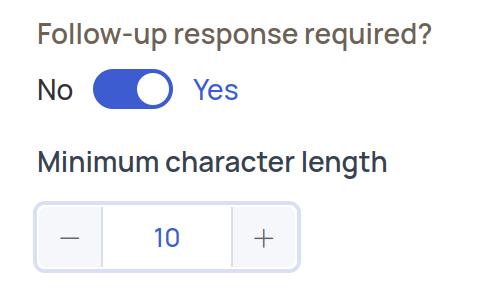
To gather more detailed feedback, you can enable a follow-up question for any answer. When enabled, a text box appears allowing customers to provide additional context. You can make the response mandatory and set a minimum character requirement, helping you collect more specific insights about each cancellation reason.
Configuration toggle for mandatory survey responses
When creating your survey, remember to use the randomization feature to remove any bias from answer placement. Keep the language clear and concise, and make sure each answer option is distinct and actionable. Most importantly, consider the specific offers you'll pair with each answer before creating the survey.
### Freeform Feedback
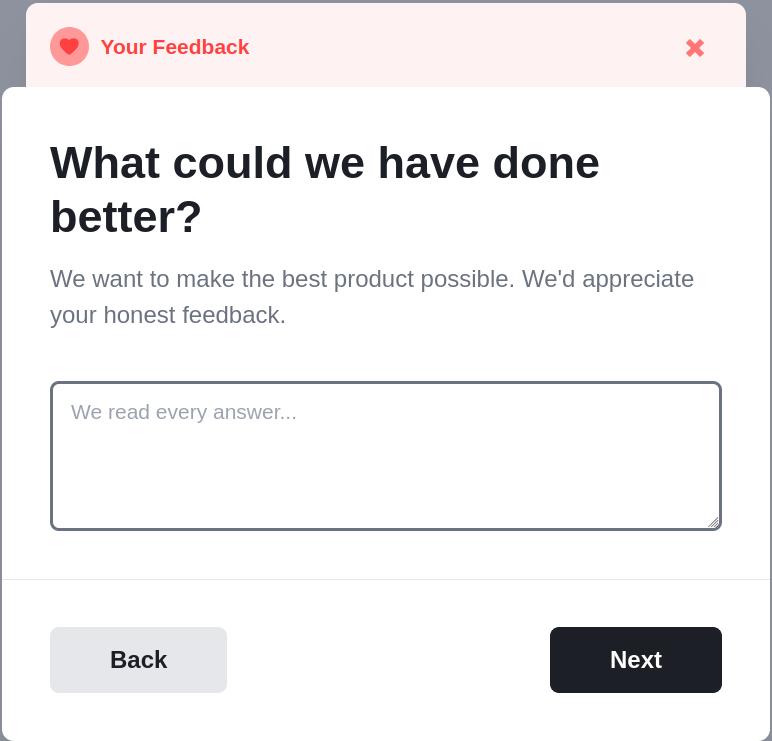
The Freeform Feedback step provides customers with an open-ended opportunity to share their cancellation reasons in their own words. This unstructured approach captures authentic feedback about their experience with your product or service, offering valuable insights that might not surface through predefined options.
You can configure this step to be either optional or mandatory, with the ability to set a minimum character requirement before proceeding to the next step. Since this step is focused on gathering qualitative feedback, it cannot be paired with specific offers based on the customer's response.
Freeform Feedback interface allowing detailed customer input
### Final Offer
The Final Offer is the last step in your Cancel Flow where you can present retention offers to your customers. Like the Initial Offer, this step supports various offer types including discounts, plan changes, and other retention strategies.
Final Offer interface showing last opportunity for retention offers
::callout{icon="i-heroicons-light-bulb"}
Since this is your final opportunity to make an offer, it's crucial to present something **truly unique and compelling**. If you're not offering something different from previous steps, this step might not add value to your retention strategy. Make sure your Final Offer stands out and directly addresses the customer's specific needs.
::
### Cancellation Confirmation
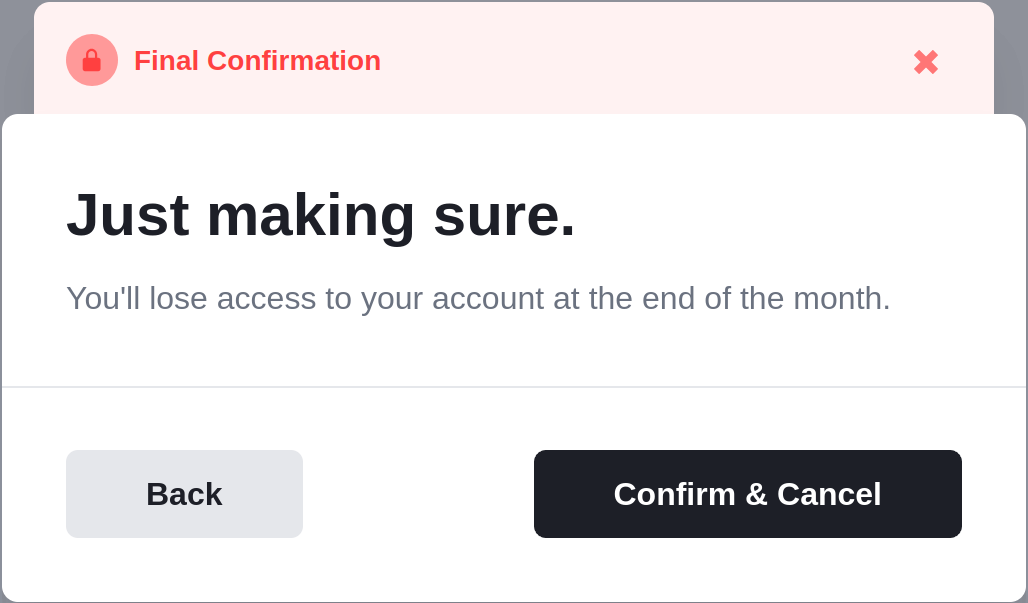
The Cancellation Confirmation is the final step in your Cancel Flow, serving as the last checkpoint before the subscription is terminated. In this step, you can present a comprehensive overview of what the customer will lose by cancelling their subscription, such as access to features, benefits, and any accumulated data or progress. This transparency helps customers make an informed decision and may serve as a final retention opportunity by highlighting the value they're about to lose.
Cancellation Confirmation showing subscription termination details
## Frequently Asked Questions
### Can I disable Churnkey's watermark in the Cancellation Confirmation?
The watermark is mandatory only for Starter Plans.
### Is it possible to embed a custom step into the Cancel Flow?
No, you can only rely on our native steps and edit them using the Cancel Flow Builder